

Eliovp, a Belgian crypto mining enthusiast, created the AMD Memory Tweak Tool — easily one of the most useful things to come out for AMD Radeon users in years. It’s a clean GUI app for both Windows and Linux that lets you overclock your graphics card memory on the fly and adjust the memory timings.
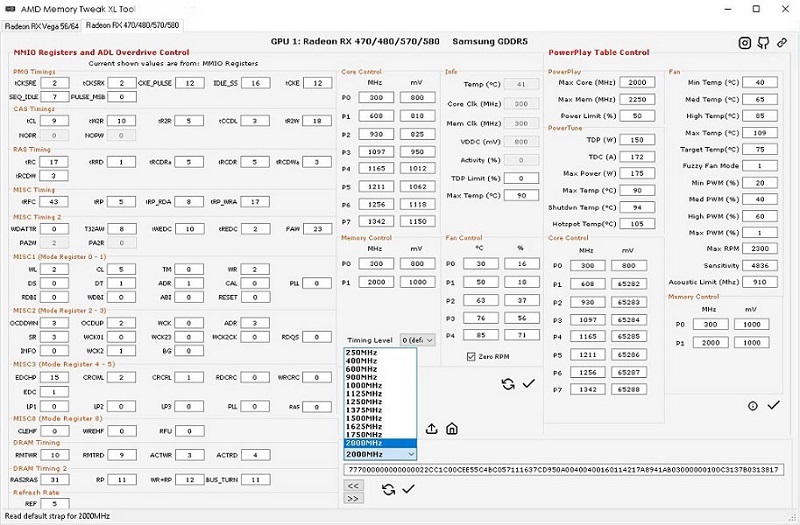
Most timings apply instantly while your PC is running, but a few still require a reboot to take effect, and they reset to default after restarting. The developer is working on making it possible to change those without rebooting. The tool also lets you adjust GPU core frequency and fan speeds.
| Parameter | Information |
|---|---|
| Tool Name | AMD Memory Tweak Tool |
| Developer | Eliovp |
| Platforms | Windows and Linux (GUI) |
| Supported GPUs | All recent AMD Radeon cards |
| Memory Types | GDDR5, HBM2 |
| Main Features | Real-time memory overclocking, memory timing tweaks, GPU core frequency, fan control |
| Windows Requirement | Radeon Software Adrenalin 19.4.1 or later |
| Linux Requirements | amdgpu-pro + ROCM, plus pciutils-dev, libpci-dev, build-essential, git |
| Source Code | Open on GitHub |