

AFUWin lets you flash your BIOS directly in Windows. It’s especially useful when you want to downgrade your BIOS but the built-in Instant Flash won’t let you.
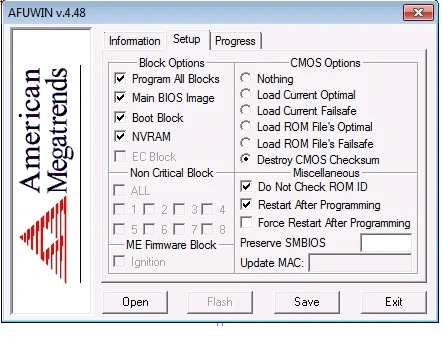
The process is pretty straightforward. Download the AFUWin package and extract it to your desktop, then put the BIOS file you want to flash into the same folder. Open Command Prompt as Administrator, go to that folder using cd, and run the flash command. Restart your computer when it’s finished. Keep in mind that flashing BIOS always carries the risk of bricking your board. We’re not responsible for any damage.
| Tool | AFUWin |
|---|---|
| Purpose | Flash or downgrade BIOS from Windows |
| Main Use | Bypassing Instant Flash restrictions (especially downgrades) |
| Platform | Windows |
| Method | Command Prompt (admin rights) |
| Risk | High – can brick motherboard |
| Warning | Use at your own risk |