

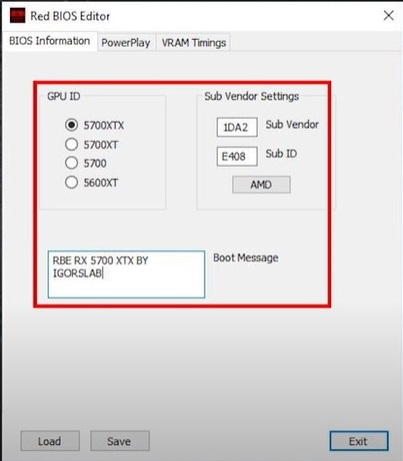
With Red BIOS Editor, you can change the frequencies, voltages, and other settings directly in your video card’s BIOS. These changes are permanent, unlike regular overclocking programs, and you don’t have to run any utilities when Windows starts up.
The tool works with a lot of different graphics cards. What makes it stand out is that you can change the GPU clocks, memory clocks, and voltage for each PowerPlay state separately. You can also change overdrive signatures to raise the limits and control the fans with graphics. Flashing any modified BIOS is risky, so be careful.
| Name | Red BIOS Editor |
| Version | 1.0.7 |
| System | Windows |
| Cards | RX 470 480 570 580 5600XT 5700 5700XT |
| Size | 2 MB |
| Clocks | GPU + memory per state |
| Voltage | Adjustable |
| Fans | Graph control |
| Power | Power Tune full |
| Signature | Changeable |
| Timings | Memory timings ok |
| Flash tool | WinFlash built-in |
| Risk | High can brick |
| Backup | Always do it |