
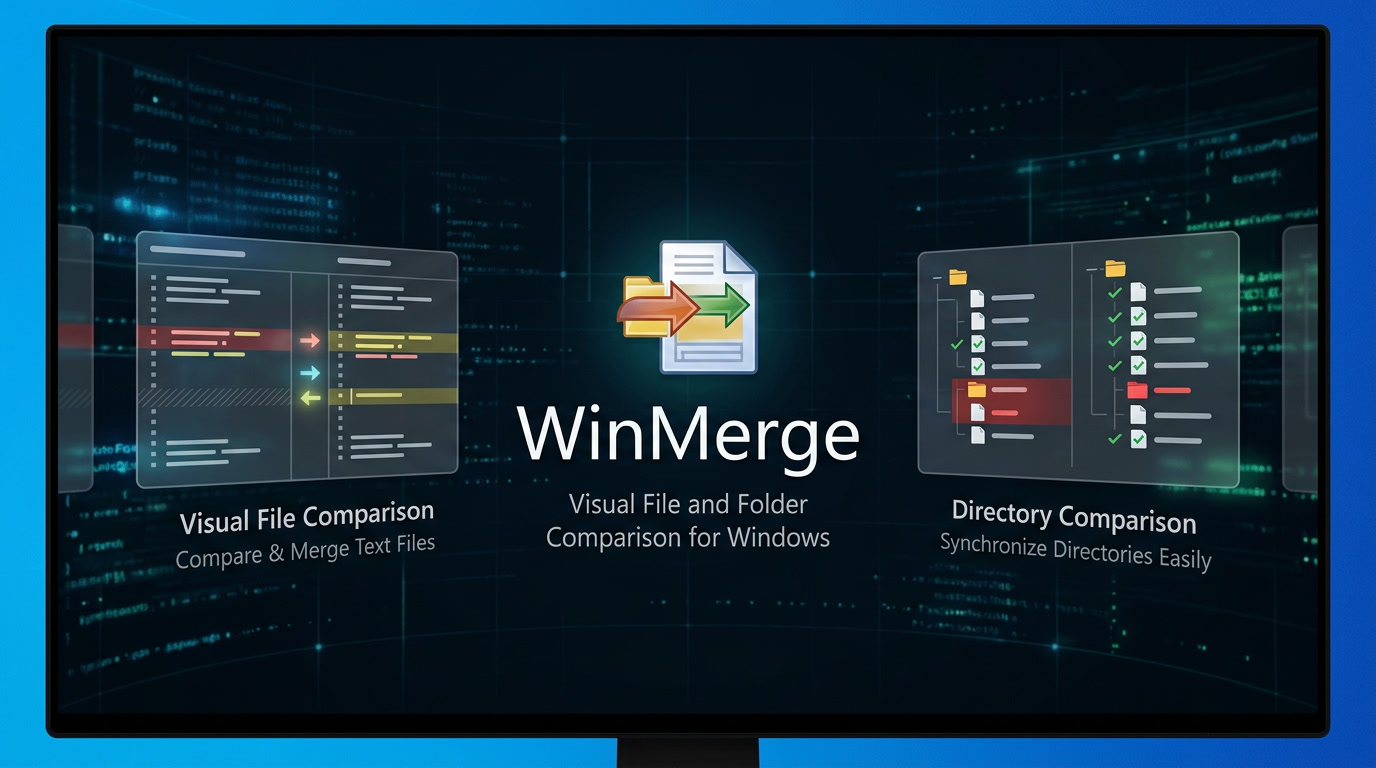
WinMerge is a free tool for Windows that lets users visually compare and merge files and folders. It was originally made to help developers track changes between project versions. Over time, though, it has become useful for programmers, system administrators, and everyday users. The software shows differences side by side with color highlights, making it easier to spot what’s changed between two or three versions of a document, code file, or folder.
Key Features
Visual File Comparison — Side-by-side text comparison with syntax highlighting, line numbers, and word-wrap; differences are highlighted both at the line level and within individual lines for precise change detection
Three-Way Comparison — Compare and merge content from three files or folders simultaneously (a newer feature)
Folder Comparison and Synchronization — Recursively compare entire directory structures with file size and date filtering; view results in a tree-style view and synchronize folders
Image Comparison — Compare image files with block-level difference highlighting and overlay options
CSV/Table Comparison — View and compare tabular data in CSV and TSV files with column-based text wrapping
Windows Explorer Integration — Right-click any two files or folders to compare them directly from the context menu; supports both 32-bit and 64-bit Windows versions
Patch File Creation — Generate unified, context, or normal format patch files for version control systems
Archive File Support — Compare contents of archives (ZIP, 7z, etc.) using 7-Zip integration
Plugin System — Extend functionality with plugins and unpackers, including support for comparing XML and Office file formats
Regular Expression Filters — Include or exclude files and folders during directory comparison using regex patterns
Strengths
| Advantage | Description |
|---|---|
| Free and Open Source | Licensed under GPL; completely free with no hidden costs, subscriptions, or adware. The source code is available for those who wish to study or modify it |
| Lightweight and Portable | Small download size (approximately 10-15 MB) with no heavy dependencies. Portable versions are available for USB drives |
| Intuitive Visual Interface | Color-coded differences, side-by-side layout, and syntax highlighting make even complex comparisons easy to understand. New users can become productive within minutes |
| Excellent Stability | Users with over 20 years of experience report exceptional stability and virtually no bugs. The software is considered mature and reliable |
| Broad Format Support | Handles DOS, UNIX, and Mac text formats; supports Unicode; compares images and CSV files; can work with archive contents |
| Folder Comparison Power | One of the best free tools for comparing entire directory structures—ideal for finding differences between project versions, backups, or synced folders |
| Shell Integration | Deep Windows Explorer integration allows starting comparisons with a simple right-click—no need to open the application first |
| Active Development | Regular updates with new features like three-way comparison, image comparison, and table support. Latest stable version (2.16.54) released in January 2026 |
Weaknesses
| Drawback | Description |
|---|---|
| Windows Only | Native version available only for Windows. Linux and macOS users require alternatives or emulation |
| Dated Visual Interface | The user interface retains a 1990s aesthetic. While functional, it lacks modern visual polish and design refinements found in commercial alternatives |
| Large Directory Performance | When comparing folders with tens of thousands of files, performance can degrade. Some users recommend keeping compared projects under 10,000 files for optimal speed |
| Whitespace Sensitivity | By default, the tool treats whitespace differences as actual changes, which can lead to false positives in code comparisons. This behavior can be adjusted, but new users may find it confusing |
| No Native Git Integration | While usable as an external diff tool for Git, WinMerge lacks built-in Git repository integration |
| No Word Document Comparison | Cannot compare Microsoft Word (.docx) files natively; requires plugins or conversion |
| Less Clarity with Massive Differences | When files have too many differences, the interface can become cluttered and difficult to navigate |
| No Binary File Editing | While binary files can be viewed, editing them in WinMerge can corrupt the files |