
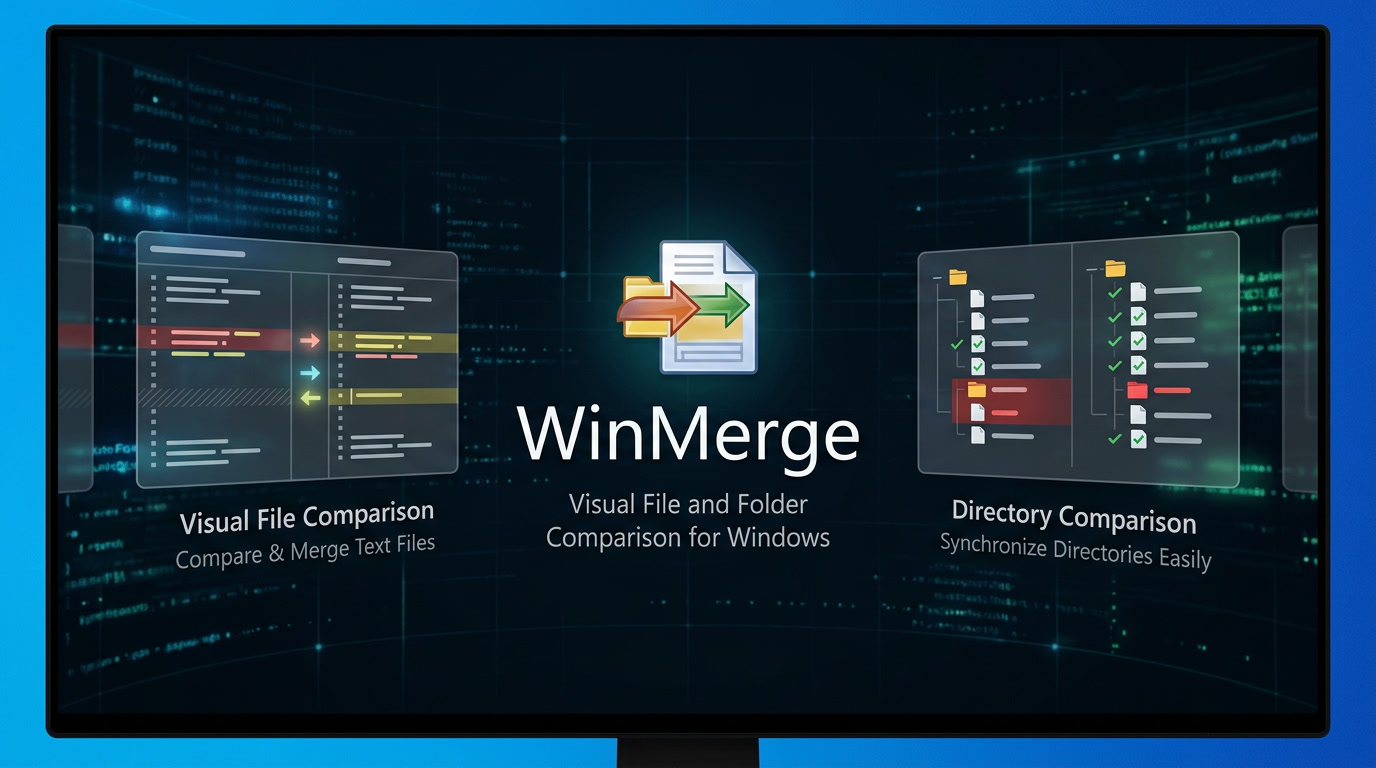
WinMerge is a free, open-source differencing and merging tool for Windows that allows users to visually compare and merge files and folders . Originally developed to help developers track changes between project versions, WinMerge has evolved into a versatile utility used by programmers, system administrators, and everyday users alike. The software presents differences in an intuitive side-by-side visual format with color highlighting, making it easy to spot exactly what has changed between two or three versions of a document, code file, or entire directory structure .
Key Features
Visual File Comparison — Side-by-side text comparison with syntax highlighting, line numbers, and word-wrap; differences are highlighted both at the line level and within individual lines for precise change detection
Three-Way Comparison — Compare and merge content from three files or folders simultaneously (a newer feature)
Folder Comparison and Synchronization — Recursively compare entire directory structures with file size and date filtering; view results in a tree-style view and synchronize folders
Image Comparison — Compare image files with block-level difference highlighting and overlay options
CSV/Table Comparison — View and compare tabular data in CSV and TSV files with column-based text wrapping
Windows Explorer Integration — Right-click any two files or folders to compare them directly from the context menu; supports both 32-bit and 64-bit Windows versions
Patch File Creation — Generate unified, context, or normal format patch files for version control systems
Archive File Support — Compare contents of archives (ZIP, 7z, etc.) using 7-Zip integration
Plugin System — Extend functionality with plugins and unpackers, including support for comparing XML and Office file formats
Regular Expression Filters — Include or exclude files and folders during directory comparison using regex patterns
Strengths
| Advantage | Description |
|---|---|
| Free and Open Source | Licensed under GPL; completely free with no hidden costs, subscriptions, or adware. The source code is available for those who wish to study or modify it |
| Lightweight and Portable | Small download size (approximately 10-15 MB) with no heavy dependencies. Portable versions are available for USB drives |
| Intuitive Visual Interface | Color-coded differences, side-by-side layout, and syntax highlighting make even complex comparisons easy to understand. New users can become productive within minutes |
| Excellent Stability | Users with over 20 years of experience report exceptional stability and virtually no bugs. The software is considered mature and reliable |
| Broad Format Support | Handles DOS, UNIX, and Mac text formats; supports Unicode; compares images and CSV files; can work with archive contents |
| Folder Comparison Power | One of the best free tools for comparing entire directory structures—ideal for finding differences between project versions, backups, or synced folders |
| Shell Integration | Deep Windows Explorer integration allows starting comparisons with a simple right-click—no need to open the application first |
| Active Development | Regular updates with new features like three-way comparison, image comparison, and table support. Latest stable version (2.16.54) released in January 2026 |
Weaknesses
| Drawback | Description |
|---|---|
| Windows Only | Native version available only for Windows. Linux and macOS users require alternatives or emulation |
| Dated Visual Interface | The user interface retains a 1990s aesthetic. While functional, it lacks modern visual polish and design refinements found in commercial alternatives |
| Large Directory Performance | When comparing folders with tens of thousands of files, performance can degrade. Some users recommend keeping compared projects under 10,000 files for optimal speed |
| Whitespace Sensitivity | By default, the tool treats whitespace differences as actual changes, which can lead to false positives in code comparisons. This behavior can be adjusted, but new users may find it confusing |
| No Native Git Integration | While usable as an external diff tool for Git, WinMerge lacks built-in Git repository integration |
| No Word Document Comparison | Cannot compare Microsoft Word (.docx) files natively; requires plugins or conversion |
| Less Clarity with Massive Differences | When files have too many differences, the interface can become cluttered and difficult to navigate |
| No Binary File Editing | While binary files can be viewed, editing them in WinMerge can corrupt the files |
Who Is This Tool For?
WinMerge is an excellent choice for:
Software Developers — Compare code versions, merge changes from team members, resolve conflicts, and track what changed between builds
System Administrators — Compare configuration files between servers, find differences in high-availability environments, and synchronize production and test setups
Technical Writers and Document Editors — Track revisions in documentation, ensure consistency across multiple versions, and merge edits from different contributors
Version Control Users — Use as an external diff/merge tool for Subversion, Git, and other VCS systems
Any PC User with Multiple File Copies — Identify which version of a file is most recent, find differences between backup folders, or compare configuration files
Photographers and Designers — Compare image files and folder structures for photo libraries and backups