
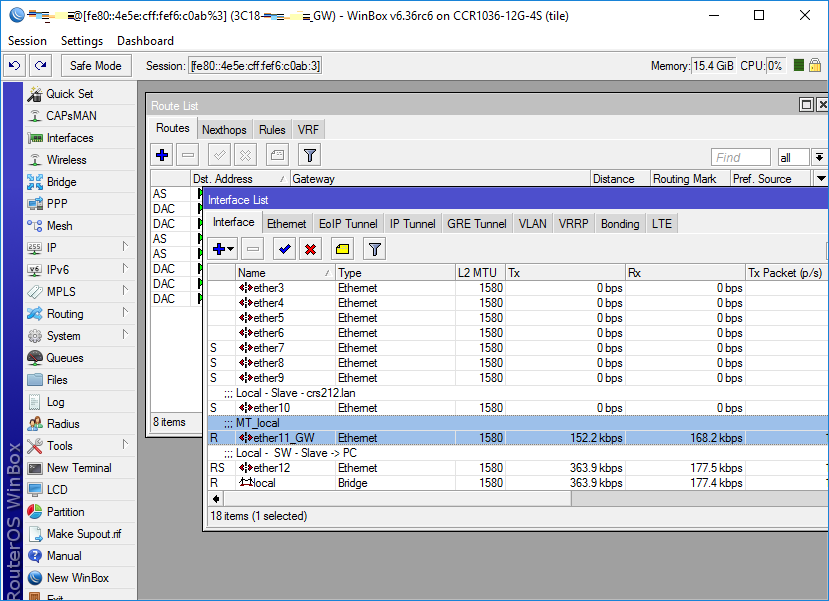
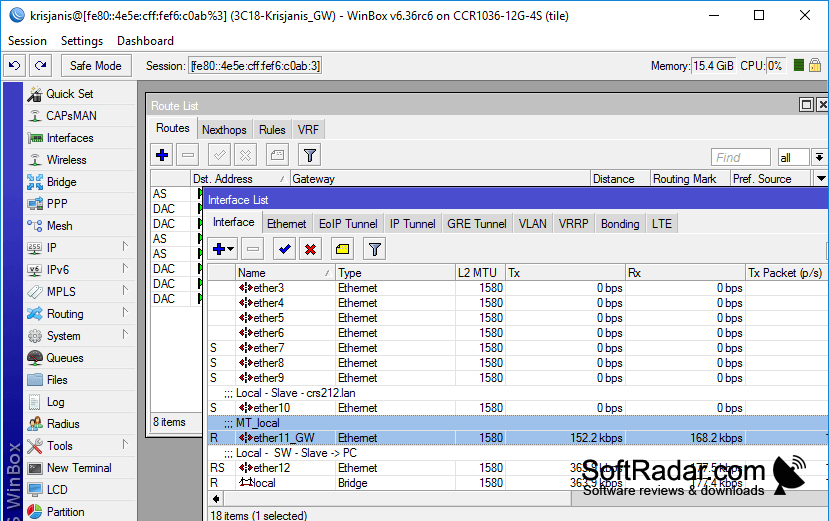
WinBox 4.4.0 is a Windows application developed by MikroTik for managing and configuring MikroTik RouterOS devices. It provides a graphical interface that connects to compatible routers over the network, allowing administrators to view status, adjust settings, and perform common maintenance tasks. The tool is intended for use on Windows systems and focuses on direct device administration rather than general network monitoring.
| Tool | Edition | Vendor | Platform | Role |
|---|---|---|---|---|
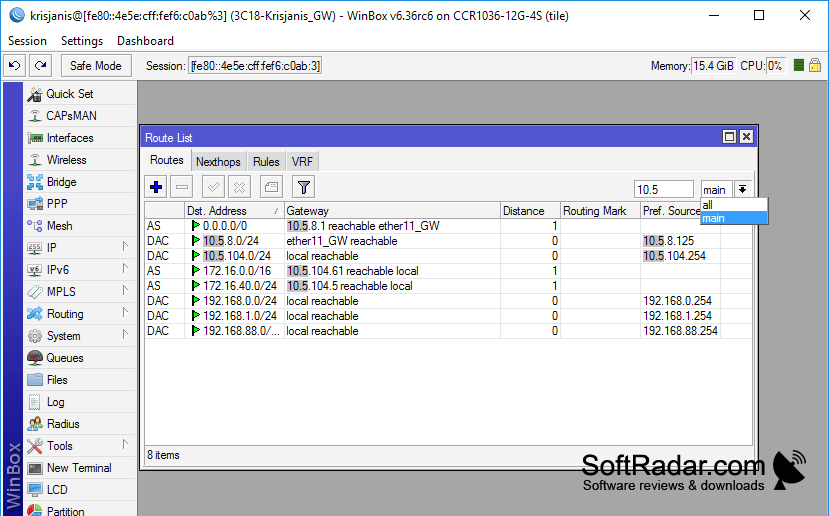
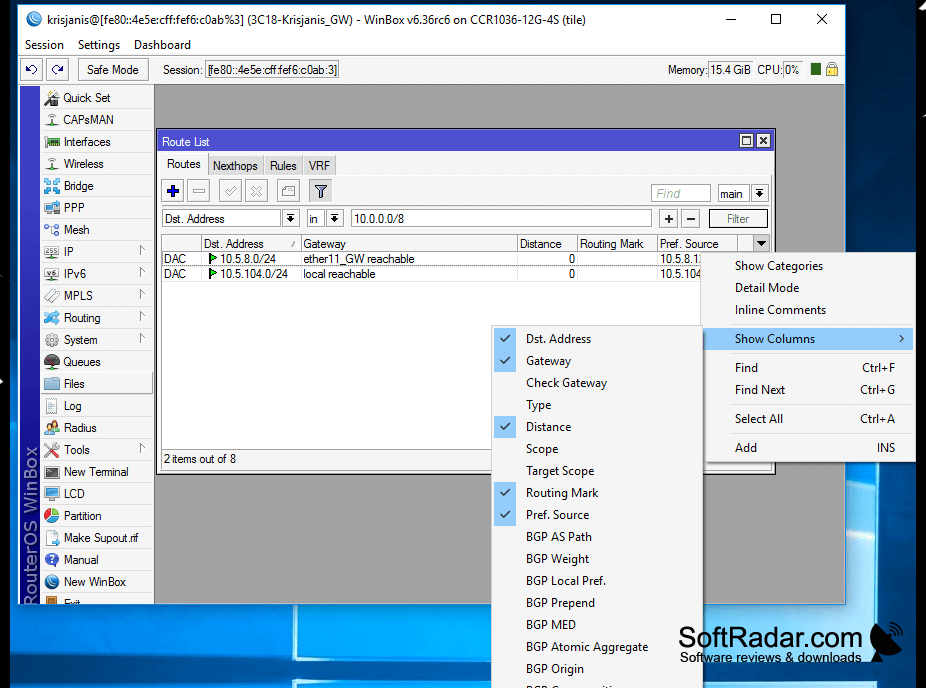
| WinBox | 4.4.0 | MikroTik | Windows | Graphical utility for configuring and managing MikroTik RouterOS devices over the network |
| Connects to routers via MAC or IP, exposes interfaces, firewall, routing, wireless, and system settings in a native desktop window rather than a browser | ||||
Pros
- Official MikroTik tool for easy graphical management of RouterOS devices
- Lightweight and responsive Windows application with low system requirements
- Enables secure remote configuration and monitoring of network equipment
- Free to download and use with full feature access for MikroTik hardware
- Intuitive interface that simplifies complex router setups compared to CLI
Cons
- Requires a compatible MikroTik RouterOS device to function at all
- Windows-centric design with occasional compatibility friction on non-Windows setups
- Interface can feel dense and less intuitive for first-time or casual users
Download