
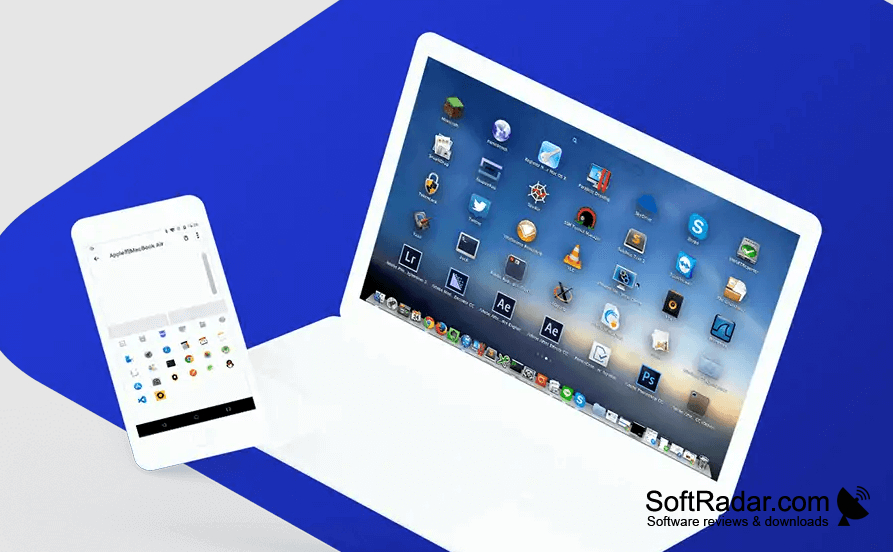
WiFi Mouse 1.9.0 is a Windows application from Necta LLC that lets a smartphone or tablet act as a wireless mouse and keyboard for a PC over a local Wi-Fi network. The program pairs with a companion mobile app so users can control the cursor, type text, and issue basic media or presentation commands without a physical peripheral. It is intended for simple remote desktop pointing and input rather than full remote-desktop sessions.
| Product | Release line | Publisher | Primary platform | Role on the desktop |
|---|---|---|---|---|
| WiFi Mouse | 1.9.0 | Necta LLC | Windows | Turns a phone or tablet into a wireless mouse, keyboard, and trackpad for the PC over the local network |
| Companion expectation | Pairs with the matching mobile app so gestures and typing on the handheld drive cursor and input on the Windows host | |||
| Typical use | Presentations, couch browsing, and media control when a physical mouse is inconvenient | |||
| Edition note | Windows desktop receiver | Version string reported as WiFi Mouse 1.9.0 | ||
Pros
- Turns your smartphone into a wireless mouse and keyboard for your PC
- Connects easily over local WiFi without extra hardware
- Supports gesture controls and multimedia shortcuts for convenience
- Lightweight app with straightforward pairing to Windows systems
- Useful for presentations or media playback from across the room
Cons
- Requires both devices on the same WiFi network
- Connection quality depends on local network stability
- Basic remote input features only
Download