

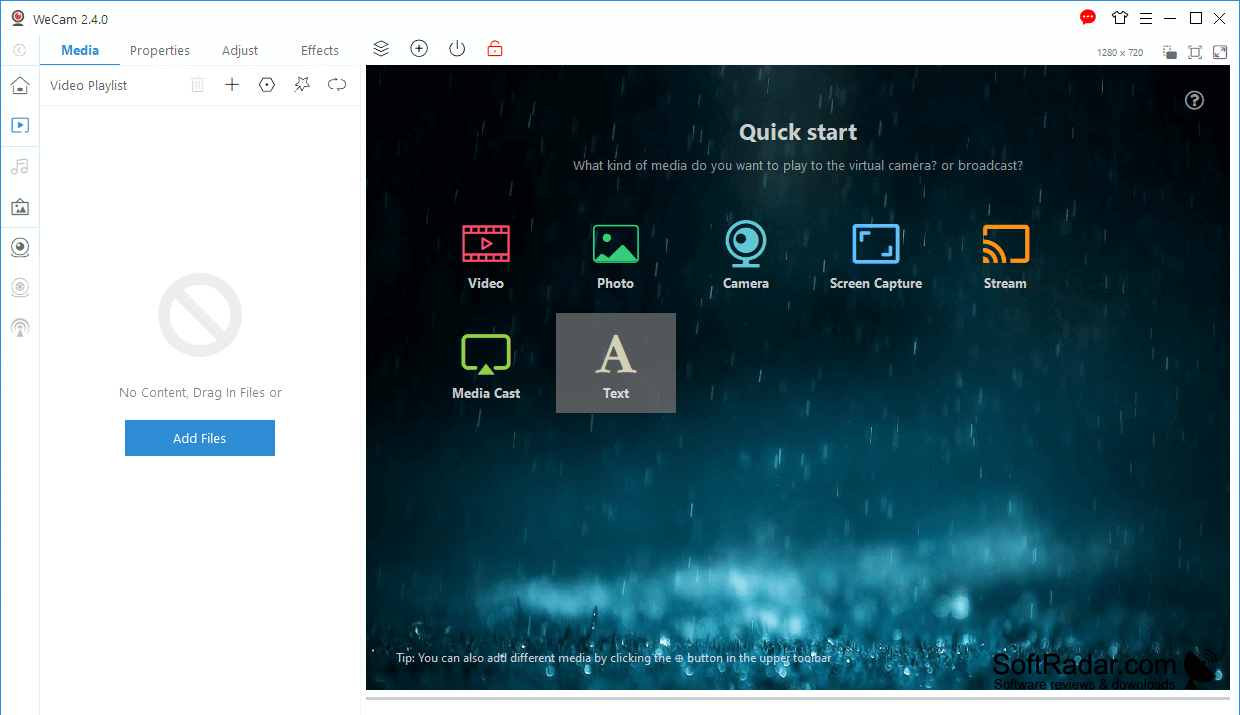
WeCam is a Windows application from e2eSoft that acts as a virtual camera utility. Version 2.44 lets users feed screen captures, live webcam input, images, or video files into other programs as if they were a standard camera device. It is commonly used for video calls, live streaming, and online presentations that require a custom or combined video source.
| WeCam 2.44 by e2eSoft | ||
|---|---|---|
| Platform | Windows desktop | Webcam & screen capture utility |
| Release focus | Virtual camera output | Live effects overlay |
| Multi-source mixing | Recording & streaming prep | |
| Audience | Creators needing a software webcam on Windows | |
Pros
- Supports video files images and desktop as virtual camera sources
- Works smoothly with popular apps like Zoom Skype and Teams
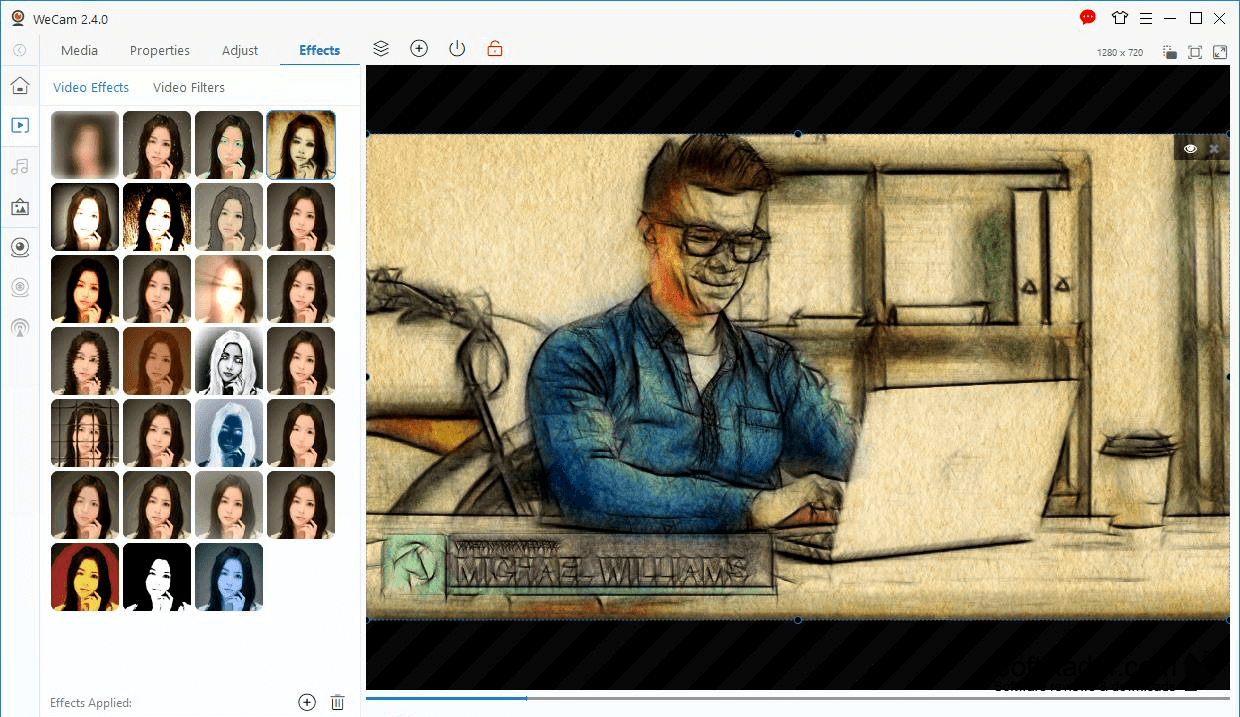
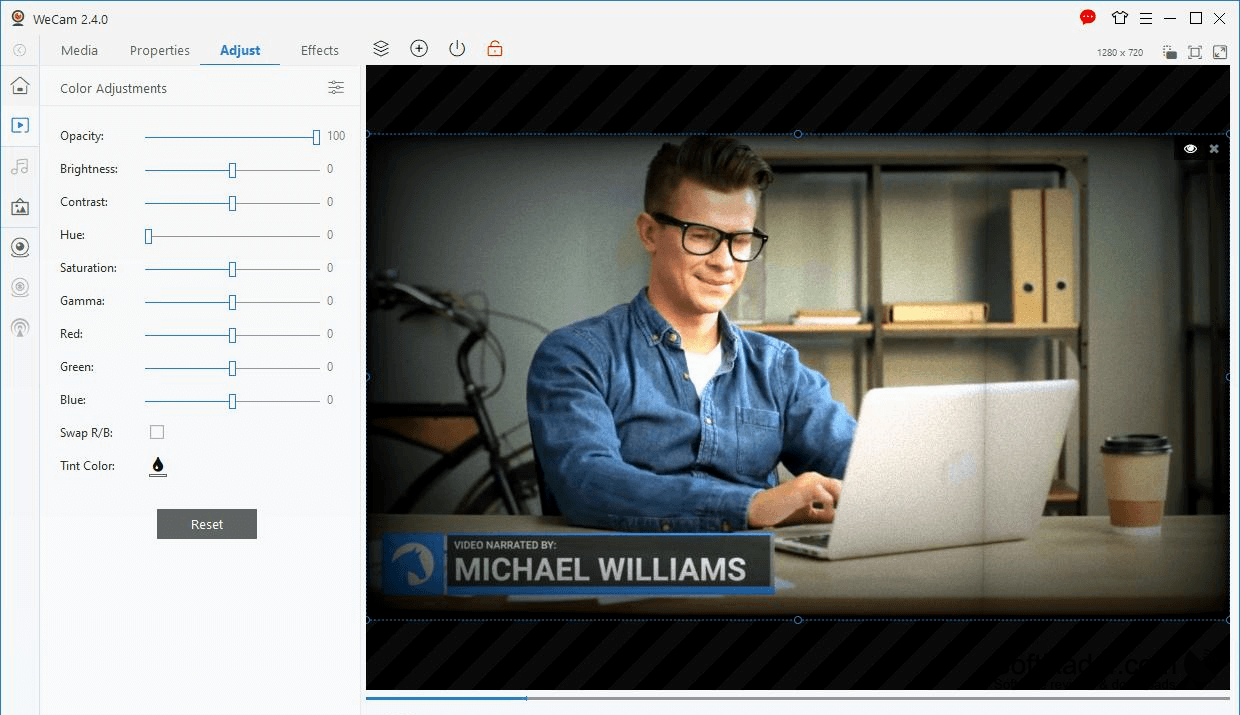
- Offers chroma key and overlay effects for customized webcam feeds
- Lightweight on system resources during everyday use
- Includes recording features alongside live virtual cam output
Cons
- Free version adds watermark and limits some effects/features
- May increase CPU/GPU usage during effects or multiple virtual cams
- Compatibility can vary with some third-party apps or drivers
Download