

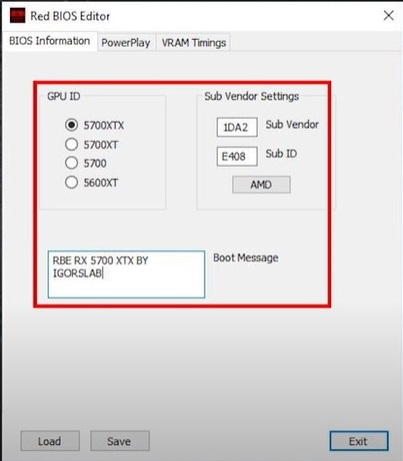
Red BIOS Editor allows you to directly modify your video card’s BIOS to change frequencies, voltages, and multiple settings. Unlike standard overclocking programs, these edits are permanent and don’t require running any utilities at Windows startup.
The tool supports many different graphics cards. It stands out by letting you adjust each PowerPlay state for GPU clocks, memory clocks, and voltage individually. You also get graphical fan control and the ability to change overdrive signatures for higher limits.
Flashing any modified BIOS involves risk, so proceed with caution.
| Name | Red BIOS Editor |
| Version | 1.0.7 |
| System | Windows |
| Cards | RX 470 480 570 580 5600XT 5700 5700XT |
| Size | 2 MB |
| Clocks | GPU + memory per state |
| Voltage | Adjustable |
| Fans | Graph control |
| Power | Power Tune full |
| Signature | Changeable |
| Timings | Memory timings ok |
| Flash tool | WinFlash built-in |
| Risk | High can brick |
| Backup | Always do it |