
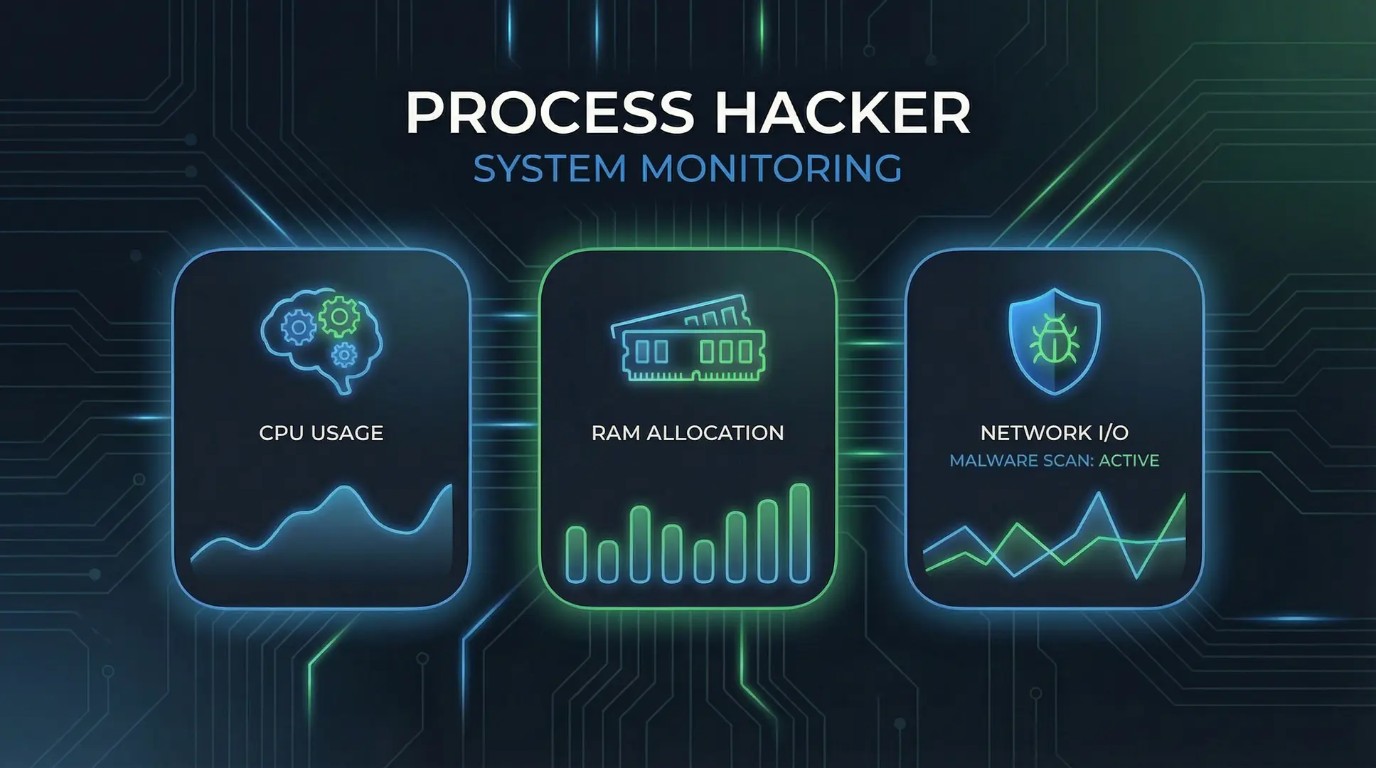
Process Hacker is a free, open-source tool for viewing processes and monitoring your system on Windows. It was created to provide a more complete alternative to the built-in Task Manager.
You can get it in both 32-bit and 64-bit versions. It gives you detailed control over managing processes, services, and system resources.
What started as its own separate project has now become part of System Informer. However, the original Process Hacker is still popular and trusted by IT pros, security experts, and advanced users all over the world.
Key Features
Advanced Process Management — Terminate stubborn processes that resist standard Task Manager, suspend/resume processes, and change priorities and CPU affinity with ease
Kernel-Mode Driver (KProcessHacker) — Optional driver provides enhanced capabilities including bypassing security software, terminating protected processes, viewing hidden processes and rootkits, and capturing kernel-mode stack traces
Service Management — Create, edit, delete, and control Windows services, including those not visible in the Services console
Network Connection Monitoring — View all active network connections with associated processes, IP addresses, and ports to detect suspicious outbound traffic
Disk Activity Tracking — Real-time monitoring of disk I/O per process helps identify which applications are heavily accessing storage
Memory and Handle Analysis — Inspect process memory, view and close handles, examine threads with stack traces, and analyze DLL dependencies
Detailed System Statistics — Real-time graphs for CPU, memory, I/O, and network usage with historical data tracking
Portable Operation — Can run from a USB drive with settings saved locally by creating a simple configuration file
Plugin Architecture — Extend functionality through plugins, including ExtendedTools for enhanced disk and network information (Windows Vista and above)
VirusTotal Integration — Right-click any process to check its executable against multiple antivirus engines (similar to Process Explorer)
Strengths
| Advantage | Description |
|---|---|
| Free and Open Source | Licensed under GPL; complete source code transparency allows anyone to audit, verify, and build the software themselves |
| Unmatched Process Termination | Can terminate processes that Task Manager cannot touch, including some protected system processes and malware |
| Extremely Lightweight | Download size of approximately 2.2 MB and minimal resource consumption; starts almost instantly |
| Hidden Process Detection | Capable of revealing processes hidden by rootkits that standard tools cannot see |
| Can Replace Task Manager | Option to set Process Hacker as the default Task Manager replacement |
| Detailed Token Information | View and modify process security tokens, including privileges and integrity levels |
| Thread Analysis | See exactly what each thread is waiting on—invaluable for debugging hangs and performance issues |
| No .NET Framework Required | Runs natively without requiring additional runtime installations |
| Active Fork Continues | The successor project System Informer (formerly Process Hacker 3) continues development with dark mode and modern features |
Weaknesses
| Drawback | Description |
|---|---|
| Antivirus False Positives | Due to its kernel driver and process termination capabilities, many antivirus programs flag Process Hacker as potentially unwanted or malicious. This is a known false positive issue acknowledged by the developers |
| Original Project End-of-Life | The classic Process Hacker 2.x is officially at end-of-life. The successor System Informer has been in development for an extended period |
| Driver Signing Issues on Secure Boot | The KProcessHacker kernel driver is not EV-signed for Secure Boot. On systems with Secure Boot enabled, advanced kernel-mode features require disabling Secure Boot or enabling test signing mode, both of which weaken system security |
| Windows Only | No native support for macOS or Linux systems |
| Steep Learning Curve | The wealth of features and technical information can overwhelm casual users. Not recommended for general system optimization—intended for developers and Windows internals enthusiasts |
| Kernel Driver Stability Risks | When the kernel driver is active, system instability or misuse can cause Blue Screen of Death (BSOD) crashes. Kernel-mode operations carry inherent risks |
| May Trigger Anti-Cheat Software | Anti-cheat systems in games often flag Process Hacker as a cheating tool due to its process inspection capabilities |
| Limited Modern Documentation | Much of the documentation refers to older versions and may not reflect current practices with the System Informer transition |
Important Security Note
Process Hacker’s kernel driver (KProcessHacker.sys) provides powerful low-level system access. On modern Windows systems with Secure Boot enabled, loading this driver requires either:
Disabling Secure Boot in UEFI/BIOS, or
Enabling test signing mode (
bcdedit /set testsigning on)
Both options reduce system security and are not recommended for general-purpose or production systems . The ReactOS Foundation has signed the driver for basic functionality, but advanced features face limitations . For routine process monitoring without kernel features, Process Hacker works perfectly in user mode without these compromises.