
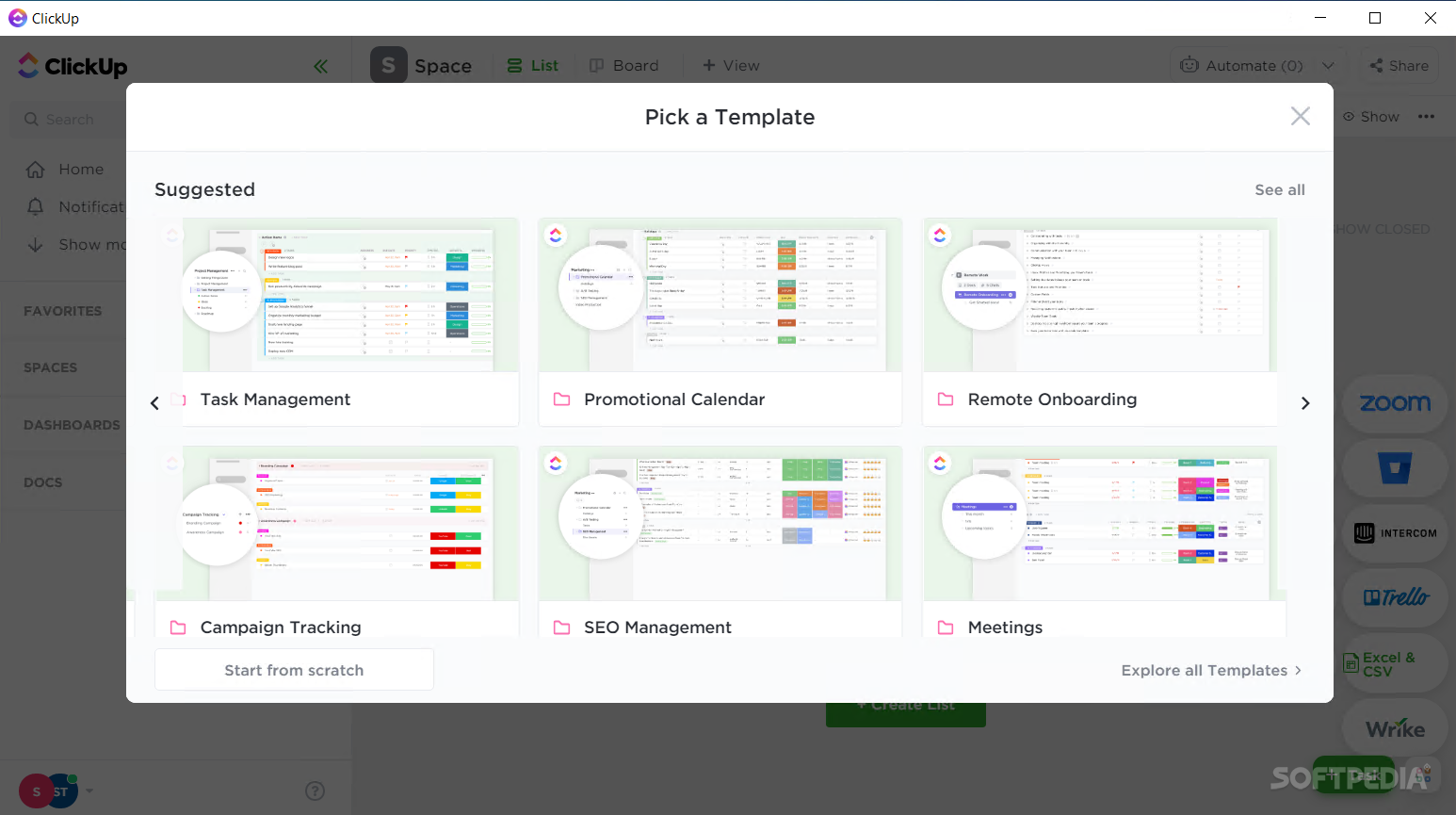
ClickUp is a productivity and project management application for Windows that brings tasks, docs, goals, and team collaboration into a single workspace. Version 3.5.395 from ClickUp lets users organize work with customizable views, automate routine steps, and track progress across projects. It is designed to replace multiple separate tools by offering lists, boards, calendars, and real-time updates in one desktop program.
| Edition | Build | Platform focus | Core workspace tools | Collaboration angle | Typical use case |
|---|---|---|---|---|---|
| ClickUp desktop | 3.5.395 | Windows native client | Tasks, Docs, Whiteboards, Goals, Dashboards | Real-time comments, assigned comments, shared views | All-in-one replacement for separate task, wiki, and chat apps |
| ClickUp | 3.5.395 Windows | Offline-capable shell over cloud workspaces | Custom fields, multiple layouts (List, Board, Calendar, Gantt) | @mentions, inbox, threaded discussions inside tasks | Cross-team project tracking without leaving one window |
| ClickUp by ClickUp | Windows 3.5.395 | System tray presence and desktop notifications | Automations, templates, time tracking, reminders | Guest access and permission tiers per Space/Folder/List | Managing sprints, docs, and goals in a single hierarchy |
Pros
- All-in-one workspace combining tasks, docs, goals, and chat in a single Windows app
- Highly customizable views and workflows that adapt to different team styles
- Strong real-time collaboration with comments, mentions, and shared dashboards
- Generous free tier plus scalable paid plans for growing teams
- Regular feature updates and solid Windows desktop performance
Cons
- Can feel overwhelming due to the large number of features and customization options
- Learning curve is steeper than simpler task apps for new users
- Desktop app may use noticeable system resources with large workspaces
Download