
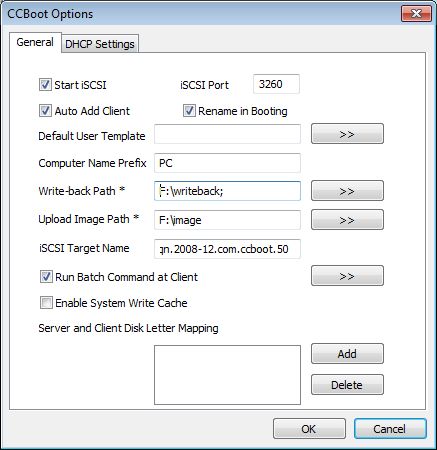
CCBoot is a Windows application from Youngzsoft that provides diskless network booting for client PCs. It lets multiple machines start from a shared server image instead of local hard drives, simplifying centralized image management and updates. The tool is often used in settings such as internet cafes, schools, and labs where uniform system deployment and easier maintenance are needed.
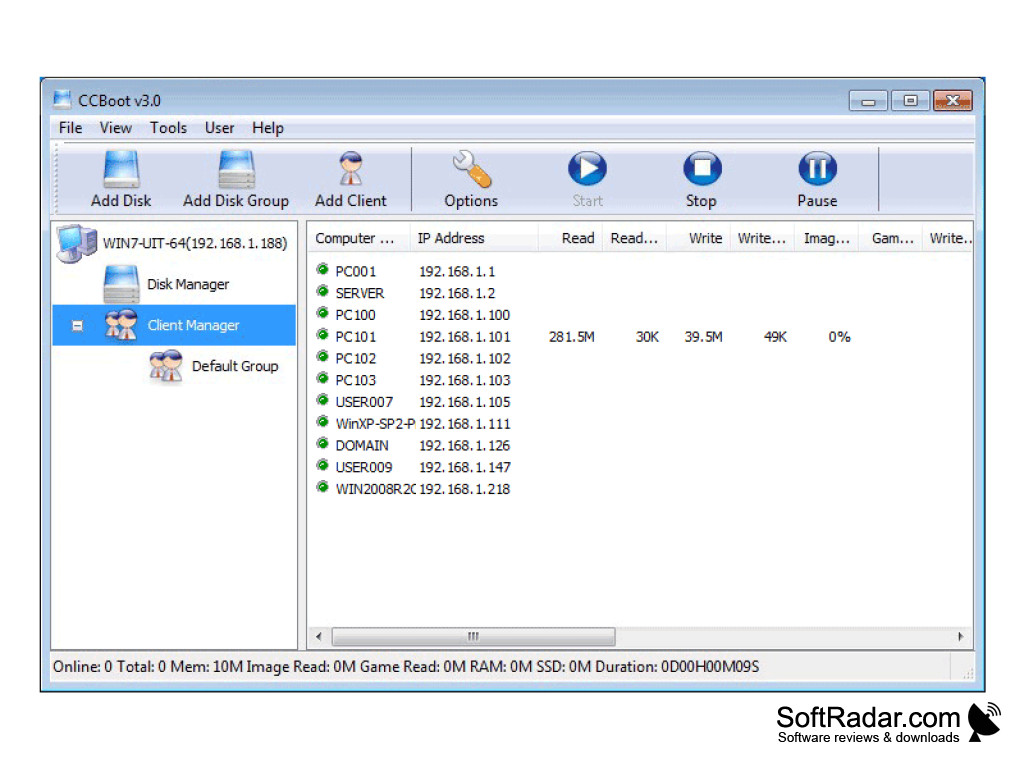
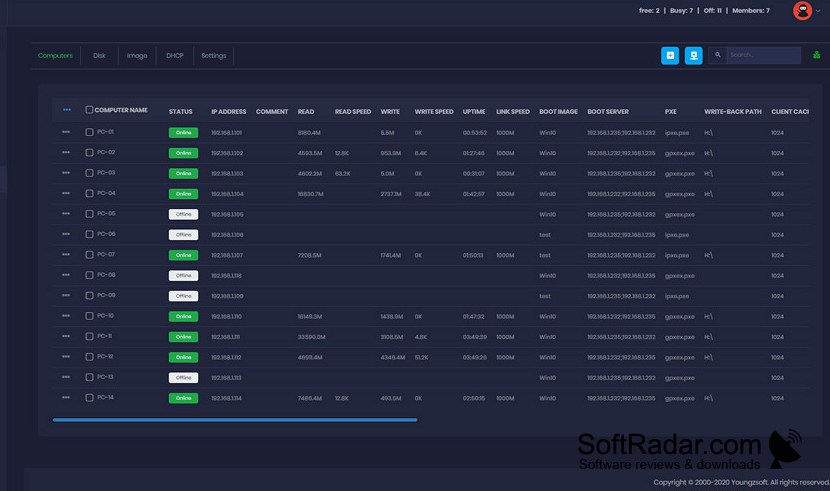
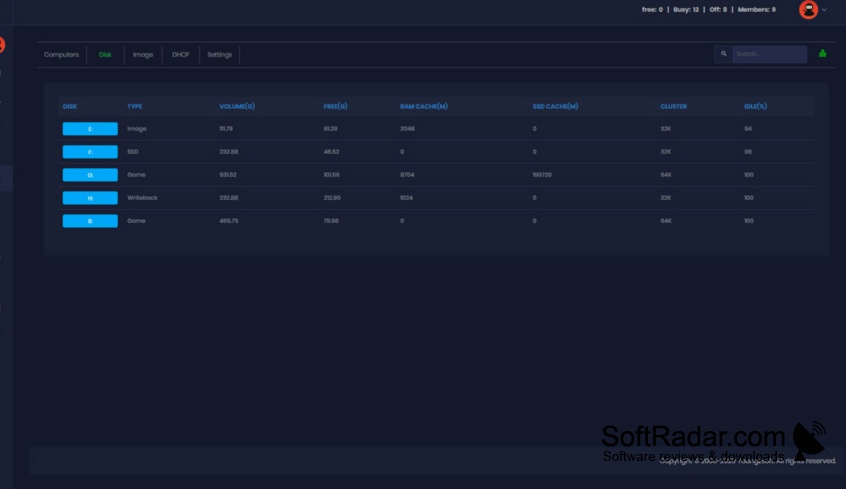
| CCBoot Diskless Boot Suite | ||
|---|---|---|
| Youngzsoft | Primary platform | Windows Server / client images |
| Role | PXE-based diskless workstation boot and image management for cafés and labs | |
| Image cache | Write-back / write-through modes | Reduces SAN load on concurrent boots |
| Licensing focus | Multi-seat café deployments | Centralized super-image updates pushed to RAM-booted PCs |
| Typical stack: DHCP/PXE + iSCSI or CCBoot protocol + optional domain join on boot | ||
Pros
- Reduces client hardware costs by enabling diskless network booting
- Centralizes OS and software image management on a single server
- Speeds up cafe or lab PC deployment and recovery to a clean state
- Allows simultaneous multi-client booting with lower maintenance overhead
- Improves consistency by pushing uniform Windows environments to all machines
Cons
- Requires stable high-speed LAN as clients boot and run entirely over the network
- Server downtime prevents all diskless clients from booting or operating
- Best suited to cafe/LAN-center use and less flexible for general single-PC setups
Download