
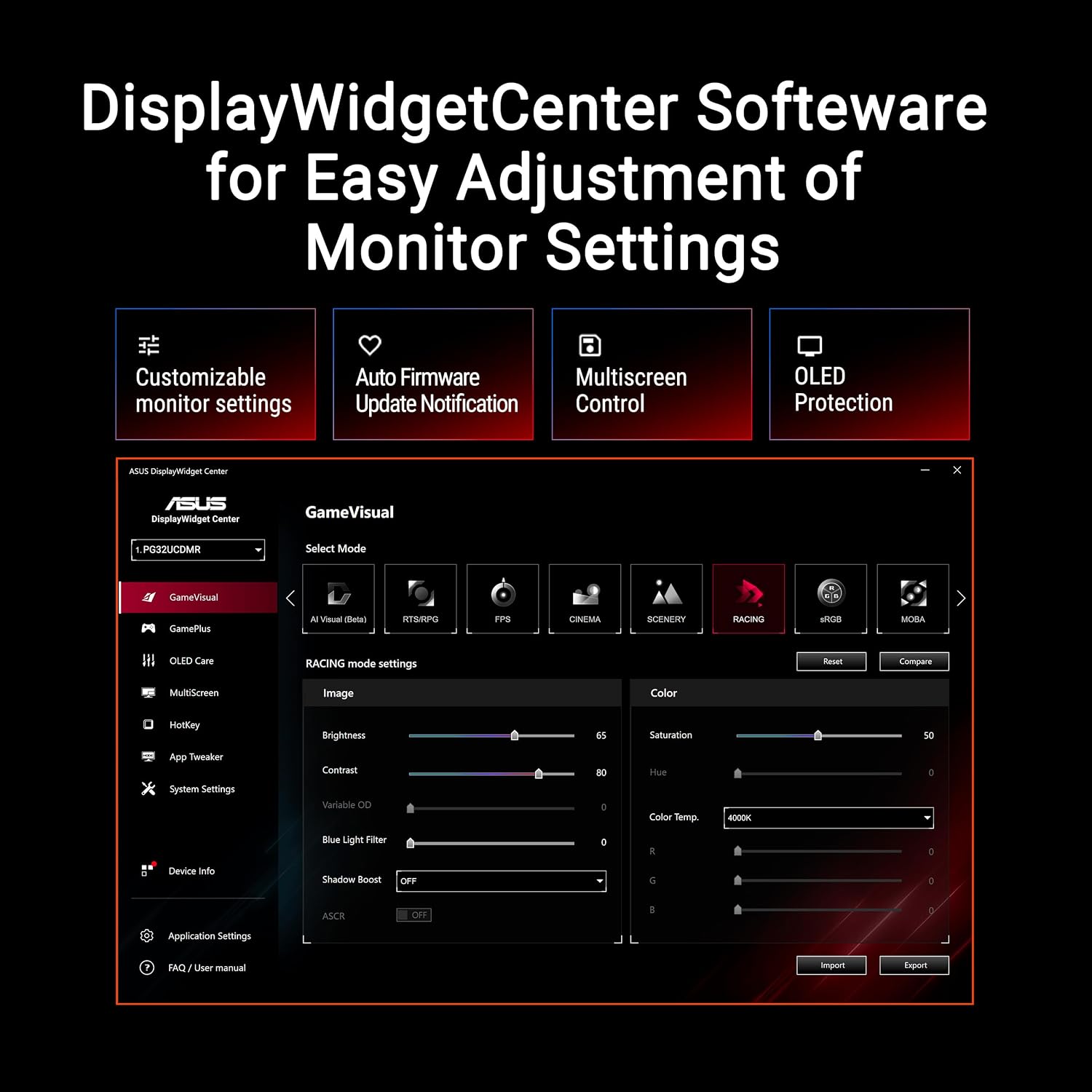
ASUS DisplayWidget Center 1.3.3.0 is a Windows application developed by Asus for managing compatible ASUS monitors. It provides controls for display settings such as brightness, contrast, color profiles, and multi-window features directly from the desktop. The program serves as a centralized utility to adjust and customize monitor behavior without relying solely on physical buttons.
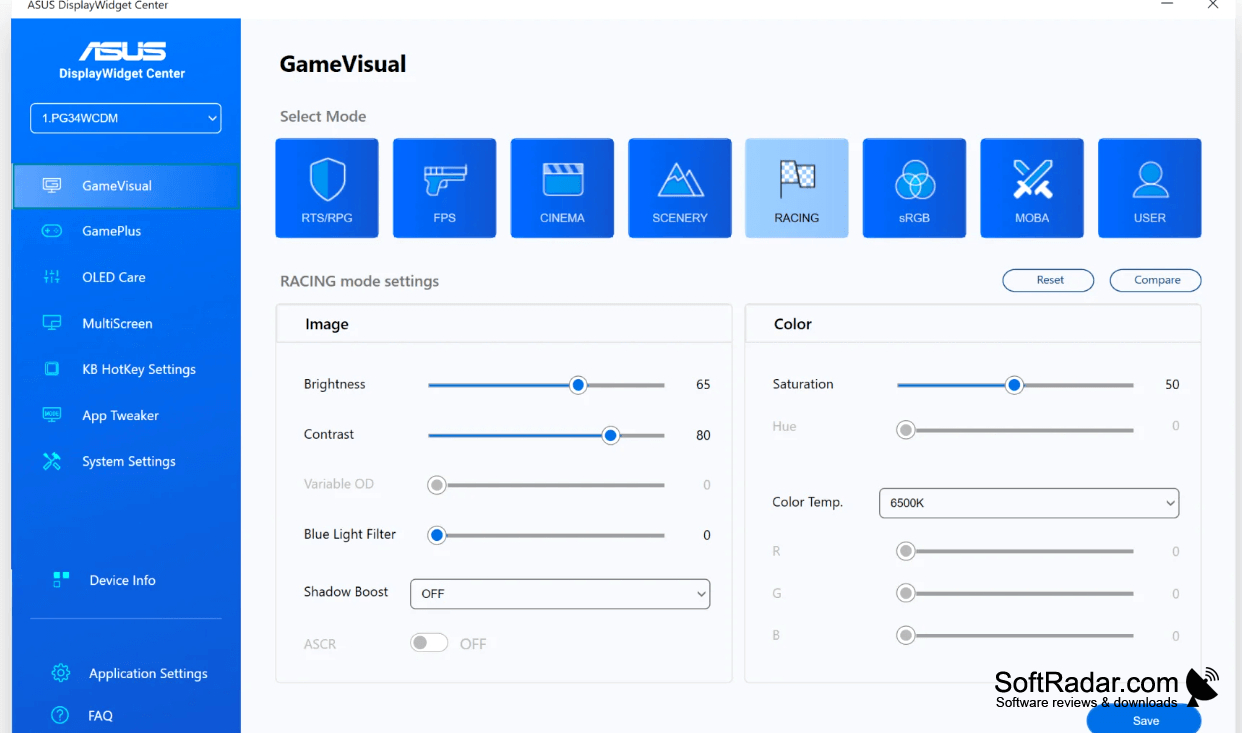
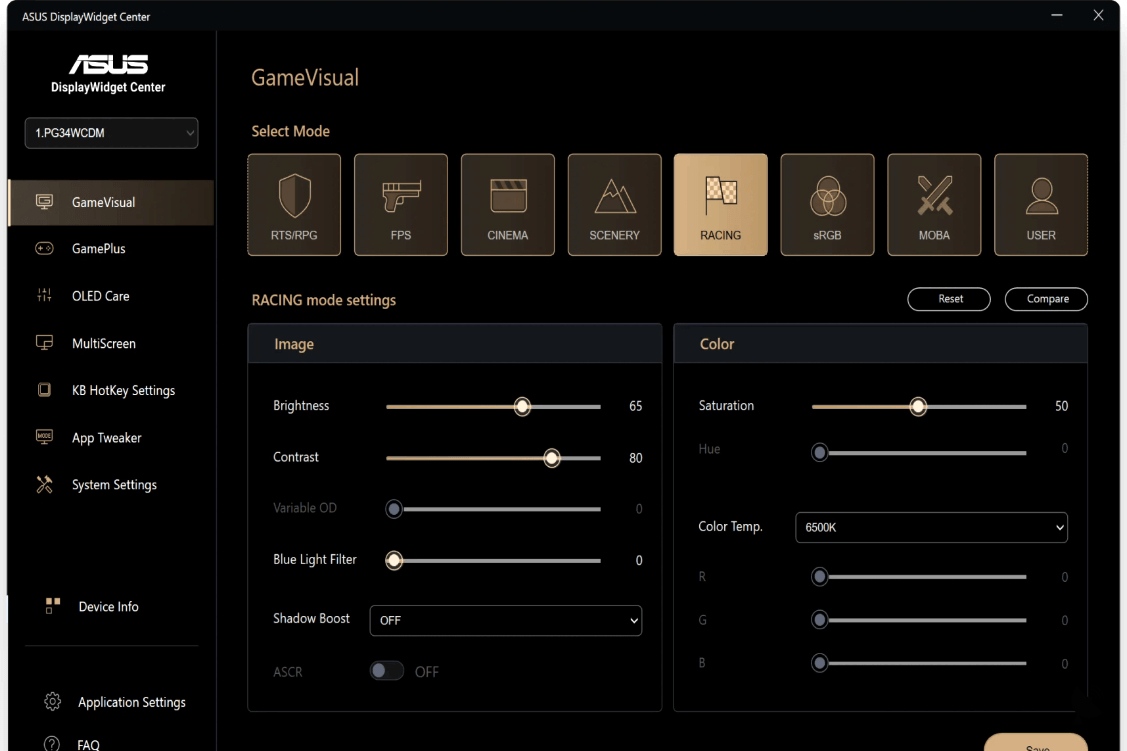
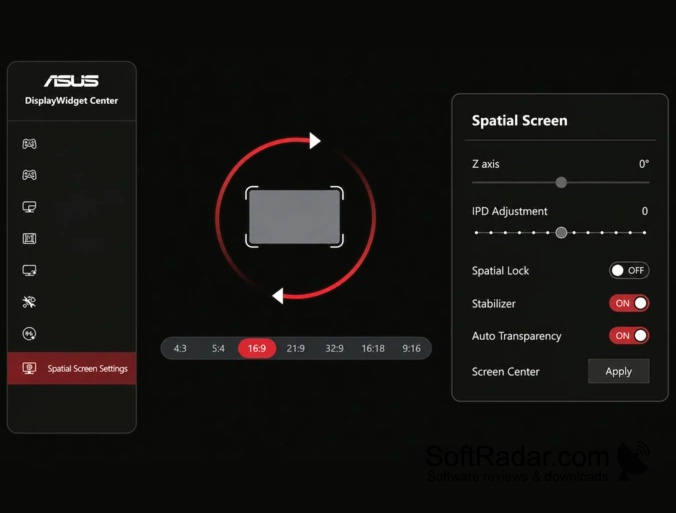
| ASUS DisplayWidget Center package snapshot | ||
|---|---|---|
| Product label | ASUS DisplayWidget Center | Windows-only desktop utility from Asus for monitor control and display profiles |
| Build string | 1.3.3.0 | |
| Publisher | Asus | |
| Runtime target | Windows | No alternate OS builds listed |
| Review body | (none supplied) | |
Pros
- Convenient on-screen control of ASUS monitor settings without using physical buttons
- Useful split-screen and multi-window layout tools for productivity
- Includes blue-light filter and eye-care options for longer work sessions
- Quick access to game-oriented features like crosshairs and timers on supported displays
- Lightweight utility that integrates well with ASUS monitors on Windows
Cons
- Only supports select ASUS monitors and may not detect or control non-ASUS or older models
- Some advanced color or hardware-level adjustments still require the monitor’s physical OSD menu
- Occasional connectivity or recognition issues after Windows or GPU driver updates
Download