
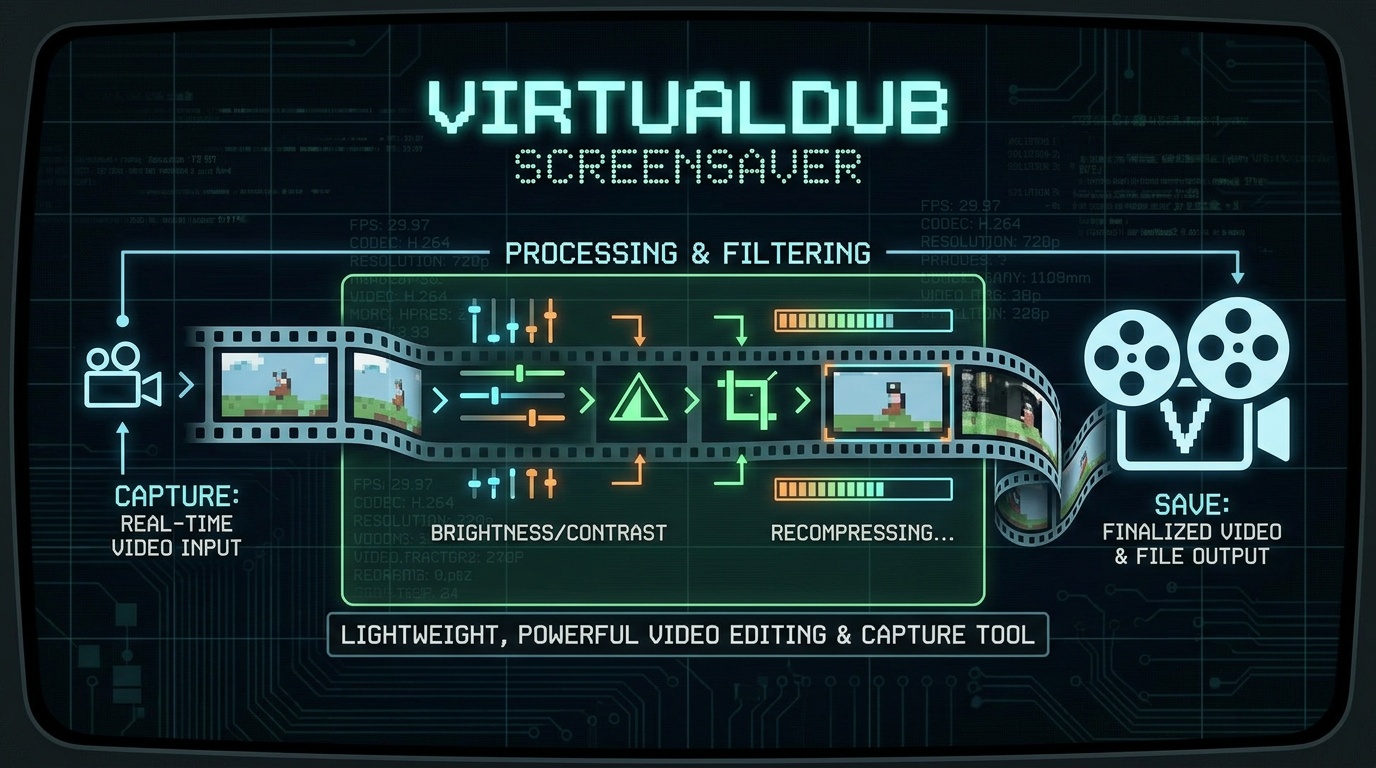
VirtualDub is a free, open-source program for video capture and processing, designed for Windows operating systems. Originally developed by Avery Lee during his college years, the program has established itself as a fast and efficient solution for linear video processing, particularly with the AVI format. VirtualDub is often called the “Photoshop for video” due to its extensive processing capabilities while maintaining minimal system resource requirements.
Key Features
Video Capture — Support for capture devices via Video for Windows and DirectShow, signal level monitoring, histogram display, real-time noise reduction, and automatic recording stop based on user-defined parameters
Batch Processing — Apply filters and operations to multiple files simultaneously, significantly speeding up work with large volumes of video
Processing Filters — Built-in collection of over 40 filters including blur, sharpen, resize, rotate, brightness/contrast adjustment, grayscale conversion, deinterlacing, and others
Audio Handling — Ability to extract, replace, or remove audio tracks without re-encoding video, preserving original quality
Plugin Support — Extend functionality through hundreds of third-party plugins, including filters for noise reduction, image stabilization, and working with modern codecs
Portability — No installation required; can be run directly from a USB drive
Strengths
| Advantage | Description |
|---|---|
| High Performance | Optimized for speed; video processing runs quickly even on older hardware thanks to minimal resource consumption |
| Free and Open Source | Completely free program with open source code (GNU GPL license), available for free use and modification |
| No Quality Loss | Direct Stream Copy mode allows simple trimming and joining operations without re-encoding, preserving original video quality |
| Rich Plugin Ecosystem | Hundreds of third-party filters expand the program’s capabilities, including professional tools for video restoration |
| Batch Processing | Ability to automate processing of multiple files saves time when working with large projects |
| Portability | No installation required allows use on any computer without administrative privileges |
Weaknesses
| Drawback | Description |
|---|---|
| Outdated Interface | The visual design and workflow logic date back to the late 1990s, making it difficult for new users to learn |
| Limited Format Support | Out of the box, the program primarily works with AVI; working with MP4, MKV, and modern codecs requires additional plugins |
| Active Development Halted | The last stable version (1.10.4) was released in 2013; official support and forums are closed |
| Instability | Users report occasional crashes and issues, especially when using external codecs or complex filters |
| Steep Learning Curve | Lack of tooltips and unintuitive workflow require significant time investment to master |
| Windows Only | No native version for macOS or Linux; running on these systems requires emulation (e.g., Wine) with performance limitations |
Current Development: VirtualDub2
An active fork of the program exists in the community — VirtualDub2 (formerly VirtualDub FilterMod) — which continues the development of the original concept. This version adds:
Support for modern formats (MP4, MKV, MOV) through FFmpeg integration
High bit-depth color support
Support for modern codecs (H.264, HEVC, VP9, AAC, Opus)
Improved interface and navigation
For new users working with modern formats, VirtualDub2 is recommended as a more current alternative to the classic version.
Who Is This Tool For?
VirtualDub is an excellent choice for:
Retro Gaming and Archiving Enthusiasts — Digitizing VHS tapes, capturing video from analog sources
Users Working with AVI — Quick trimming, joining, and processing of video in this format
Technically Savvy Users — Those willing to invest time in learning and who value control over every stage of processing
Video Restoration Specialists — Utilizing numerous plugins for noise reduction, stabilization, and quality enhancement
Owners of Older Computers — The program runs well on low-powered hardware